
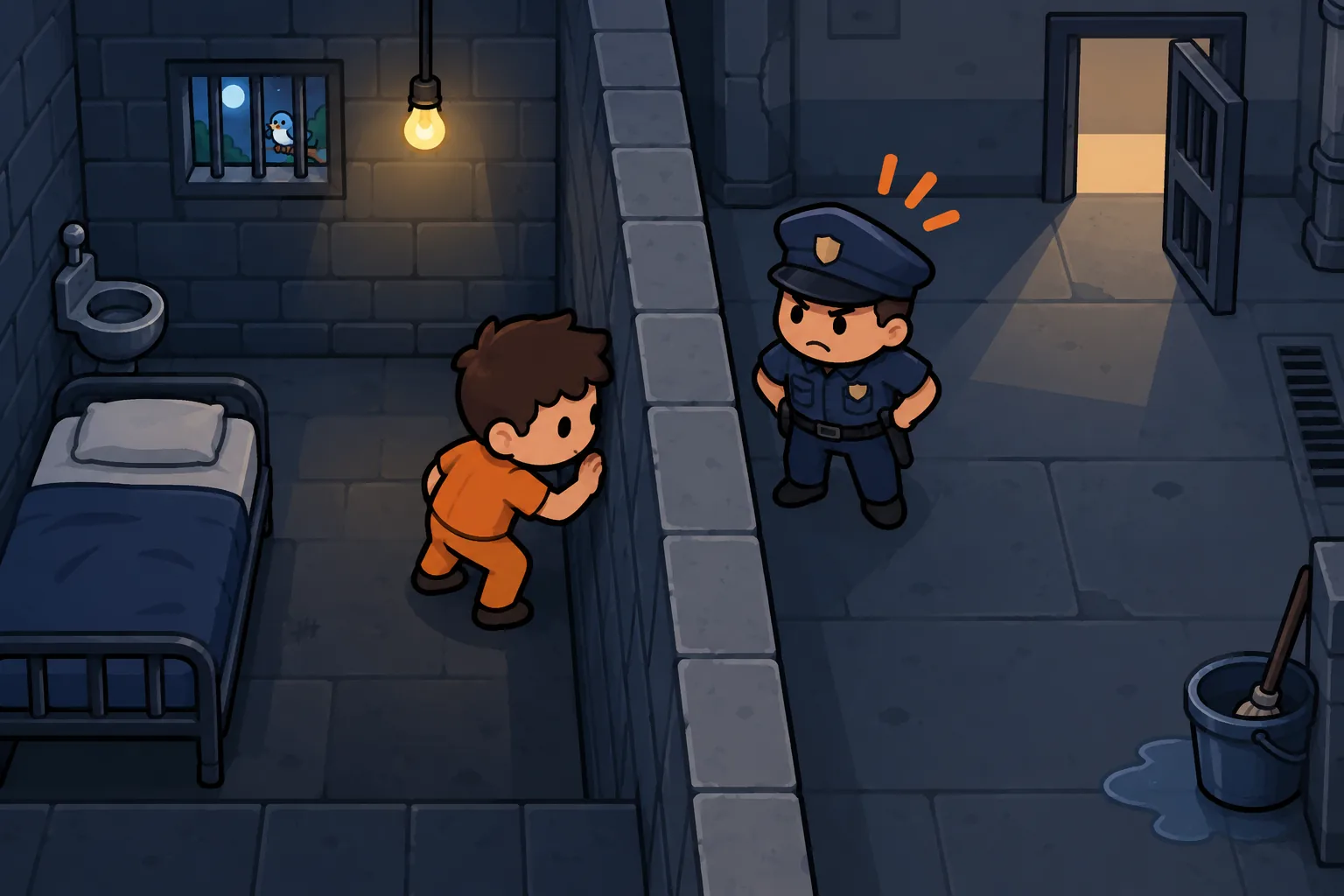
How to Escape Prison in BitLife: Layouts, 8×8 and Houdini
Learning how to escape prison in BitLife starts with controlling the guard rather than taking the shortest path to freedom. Your character moves one square while the guard gets two moves, so walls and careful positioning matter more than distance.
Quick answer: Open the prison menu, choose Escape, and use walls to block the guard while you reach the exit.
How to escape prison in BitLife: start the attempt
Once your character is imprisoned, open the prison activities and select Escape. Before moving, find your starting square, the guard, the exit, and every wall between them.
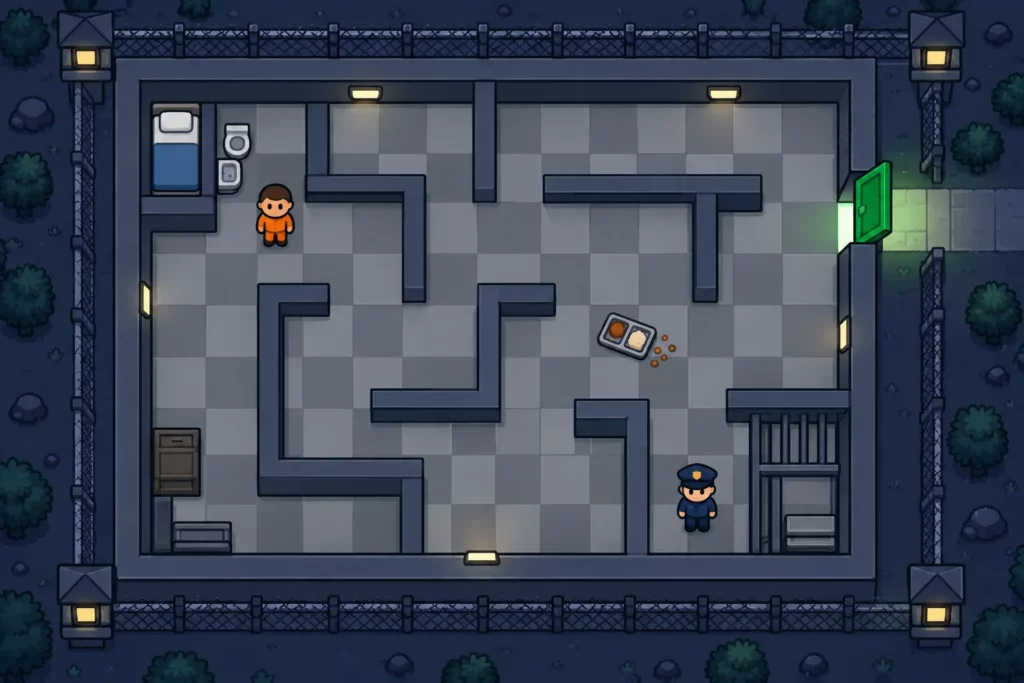
You do not need to raise a character stat before solving the maze. Smarts, Health, Looks, and Happiness play no known part in the maze, so a route plan matters far more than a full stat bar.
Stats will not solve the puzzle for you, but God Mode in the BitLife MOD APK lets you set Health and Looks when you build a new crime character.
Take a screenshot before the first move if you want to compare positions later. Keep the whole board visible, including the outside edge where the exit sits; a cropped corner can hide the wall that makes a route work.
| Check | What to record | Why it matters |
|---|---|---|
| Board size | Columns and rows | Narrows the layout family |
| Player | Starting square | Sets the first move |
| Guard | Starting square | Changes whether a route is safe |
| Exit | Edge and opening | Identifies the final approach |
| Walls | Every blocked connection | Determines legal moves and traps |
Use the guard’s movement against him
The guard pursues your character and gives horizontal movement priority. A useful escape route puts a wall in his way while leaving you a different path around it.
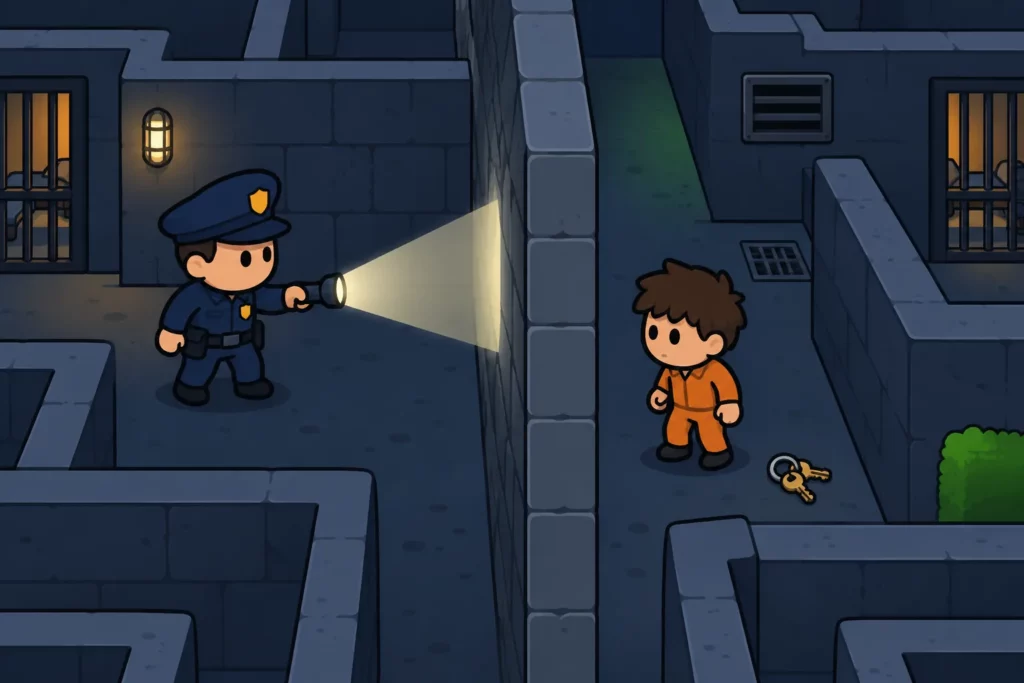
Treat each tap as a full turn: your move first, then both guard moves. A square that looks safe before tapping can become dangerous after the guard’s second step, especially in an open corridor.
Plan the next turn before tapping
Point to the square you want to enter, then trace the guard’s response with your finger. Check for a wall on each connection rather than assuming that two touching squares connect.
When the guard is close, plan two player turns ahead. Your first move may survive but leave no safe second move; spotting that dead end early saves an escape attempt.
| Planning step | Action | Continue when |
|---|---|---|
| 1 | Select an adjacent square | No wall blocks your move |
| 2 | Predict the guard’s first response | He cannot reach your square |
| 3 | Predict his second response | Your position remains safe |
| 4 | Check your following move | You have a safe continuation |
| 5 | Tap once and inspect | The actual positions match your plan |
Backtracking can create the escape route
Moving away from the exit can pull the guard toward a useful wall. Returning over the same squares is worthwhile when the guard ends up in a different position.
Judge progress by the guard’s location, not just your distance from the door. A detour that creates a barrier between you can be better than a short route through open space.
Match prison layouts from 4×4 to 7×5
Board dimensions identify a family of puzzles, not a single answer. Two 4×4 or 6×6 boards can have different walls, so a direction list is useful only when the entire layout matches.
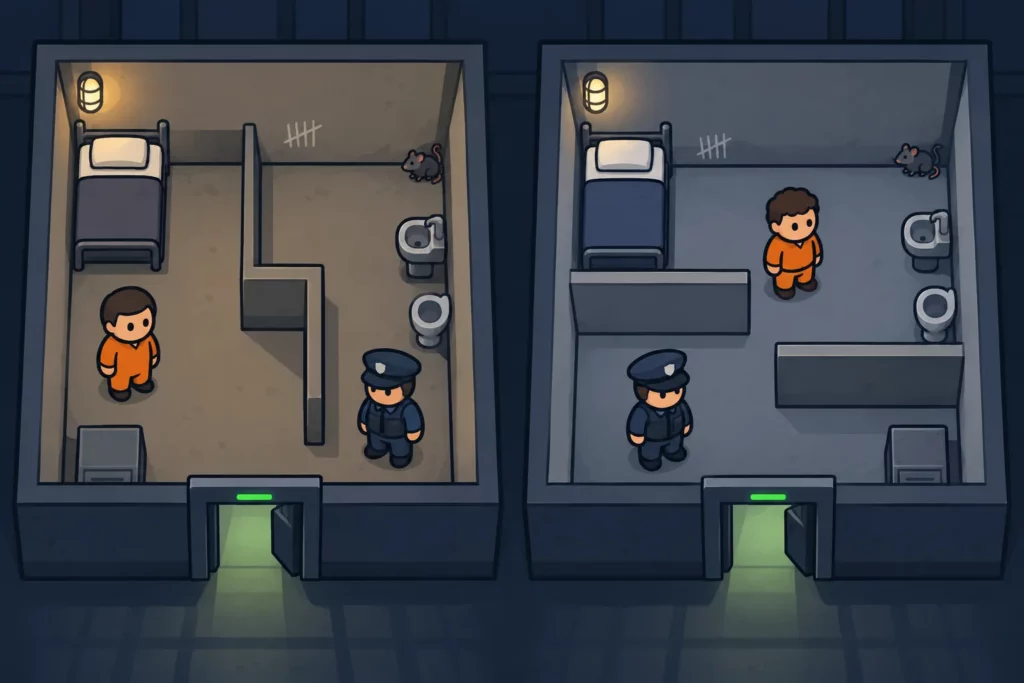
The table lists the 12 normal-security layouts that community guides have mapped. The numbers are reference labels, not names BitLife shows, and a future update could add or change boards.
| Reference layout | Listed size |
|---|---|
| Normal 1 | 6×6 |
| Normal 2 | 5×5 |
| Normal 3 | 6×6 |
| Normal 4 | 5×4 |
| Normal 5 | 6×6 |
| Normal 6 | 5×5 |
| Normal 7 | 7×4 |
| Normal 8 | 7×5 |
| Normal 9 | 6×5 |
| Normal 10 | 7×5 |
| Normal 11 | 4×4 |
| Normal 12 | 4×4 |
Check mirrored boards before following directions
A layout can appear flipped. Compare the wall pattern, exit, player, and guard together before deciding that a reference shows a different puzzle.
| Board comparison | Direction adjustment |
|---|---|
| Same orientation | Keep directions unchanged |
| Left-right mirror | Swap left and right |
| Top-bottom mirror | Swap up and down |
| Both mirrors | Swap both direction pairs |
| Wall pattern differs | Do not reuse the route |
Use a distinctive corner wall as your first comparison point, then check a second wall near the center. Matching only the exit is unreliable because unrelated layouts can place their doors on the same edge.
How to approach a 6×6 prison
On a 6×6 board, separate the task into positioning the guard and reaching the door. First identify a wall that could interrupt his pursuit, then work out how to approach the exit while keeping that barrier useful.
Do not apply a route from another 6×6 just because the dimensions match. Record your moves individually, including repeated visits to a square; those returns can be essential to the guard’s final position.
BitLife prison escape 8×8: plan in stages
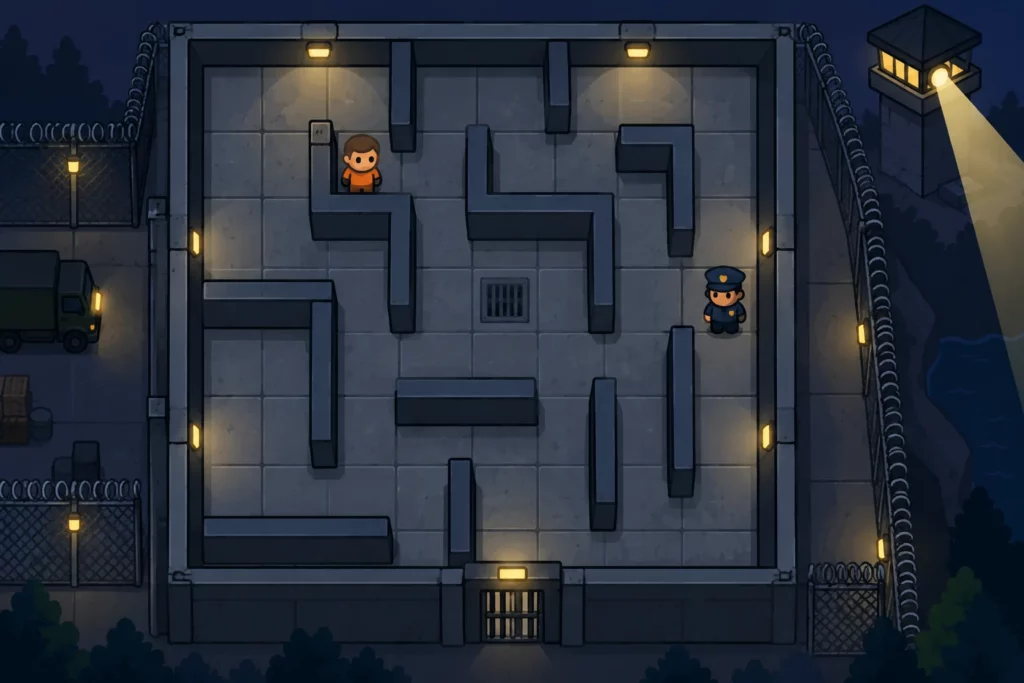
Maximum-security boards demand careful checks because a long route gives you more chances to make a wrong turn. Community maps show eight 8×8 layouts and one 8×7 layout.
| Reference layout | Listed size |
|---|---|
| Maximum 1 | 8×8 |
| Maximum 2 | 8×8 |
| Maximum 3 | 8×8 |
| Maximum 4 | 8×8 |
| Maximum 5 | 8×8 |
| Maximum 6 | 8×8 |
| Maximum 7 | 8×8 |
| Maximum 8 | 8×8 |
| Maximum 9 | 8×7 |
There is no universal 8×8 direction sequence. Without the exact wall diagram and starting positions, a list such as right, down, left cannot establish a safe escape.
Build checkpoints for a long route
Divide your plan into short sections ending at an easy-to-recognize corner or wall. At every checkpoint, compare both characters’ positions with your notes before continuing.
Write one direction per move rather than combining several taps into a vague instruction. Numbering the moves also helps you resume after a pause without accidentally repeating a step.
If the guard arrives somewhere unexpected, stop and inspect the last move. Continuing a memorized route after the positions diverge can turn a small mistake into immediate capture.
Check the final approach
Before entering the corridor beside the exit, trace the remaining turns with the guard included. Seeing the door does not mean that every square leading to it is safe.
Keep any useful wall between you for as long as your route allows. Avoid adding an extra move to a working plan merely because a nearby square seems closer to freedom.
Handle failed attempts and life after escape
Being caught during the puzzle adds an attempted-escape offense and extra prison time. Leaving before making your first move avoids that penalty, but uses the year’s escape opportunity.
If you need another attempt, age up and open Escape again. Check the new board from the beginning rather than assuming that your previous starting positions still apply.
Freedom does not clear your criminal record. The Dealer Job Pack guide is useful for planning a crime-focused life, but leaving prison should be treated as a separate objective from your career progress.
The prison wiki reports that calling the police or trying to enlist in the military can return an escaped character to custody. Legal emigration may help if approved, but it is not a guaranteed escape from every later consequence.
Practical prison escape tips
- Save a full-board screenshot before moving.
- Count rows and columns instead of estimating the size.
- Check two wall features before using a reference route.
- Tap once, then inspect both characters.
- Keep failed-route notes so you can identify the unsafe turn.
How to get Houdini ribbon in BitLife
Aim for at least 10 successful prison escapes in one life, the target documented by the ribbon wiki. Juvenile escapes count. Ending up stuck in maximum security, or serving long stretches instead of escaping, can push the final award toward Jailbird or Scandalous.
Keep a written tally of completed escapes, not attempts or arrests. Add one only after your character successfully leaves custody, so a failed puzzle does not inflate your total.
| Ribbon | Documented focus | Planning advice |
|---|---|---|
| Houdini | At least 10 escapes | Escape promptly and track successes |
| Jailbird | Serve two or more prison sentences | Escape often enough to pass 10, not just return to prison |
| Cunning | Escape once and never go back; the wiki route also adds gender reassignment surgery | Use a separate life for this goal |
Repeated arrests can produce harder puzzles, so practise reading large boards before building a long ribbon run. There is no need to wait until a particular age just to begin counting escapes.
Keep a ribbon run focused rather than adding unrelated goals. If you are also following the Lord of the Underworld challenge, track its checklist separately from your escape count.
The ribbon appears when the character dies, so reaching the escape target is a milestone rather than an immediate reward screen. For more crime-focused objectives, browse the BitLife money and crime guides.
FAQ
How to get out of BitLife prison?
Open the prison menu and choose Escape to start the maze. Inspect the walls, player, guard, and exit before moving, then use barriers to interrupt the guard’s pursuit. Follow a route only when its full layout matches your board. Reaching the exit completes the escape, while being caught adds prison time.
In BitLife, how can I avoid getting caught after escaping prison?
Avoid new crimes if your goal is to remain free. The prison wiki also warns that calling the police or attempting military enlistment can send an escaped character back to custody. You can consider legal emigration if the game approves it, but escape does not erase your record or guarantee permanent freedom.
How to escape BitLife prison 6×6?
Identify the exact 6×6 wall pattern first, because several layouts share those dimensions. Plan moves that draw the guard toward a blocking wall, then check your approach to the exit. Include both guard moves after every player move. A direction sequence from a different 6×6 board can fail even when its opening moves look safe.
How to get into supermax prison in BitLife?
Players often use supermax to mean maximum-security prison. Serious crimes, bad behavior in custody, and being returned after an escape can lead to higher security. No single crime is known to send you there every time, so check the security level shown after sentencing rather than assuming an arrest will produce it.