How to Rob a Train in BitLife: Exact Times and Bank Tips
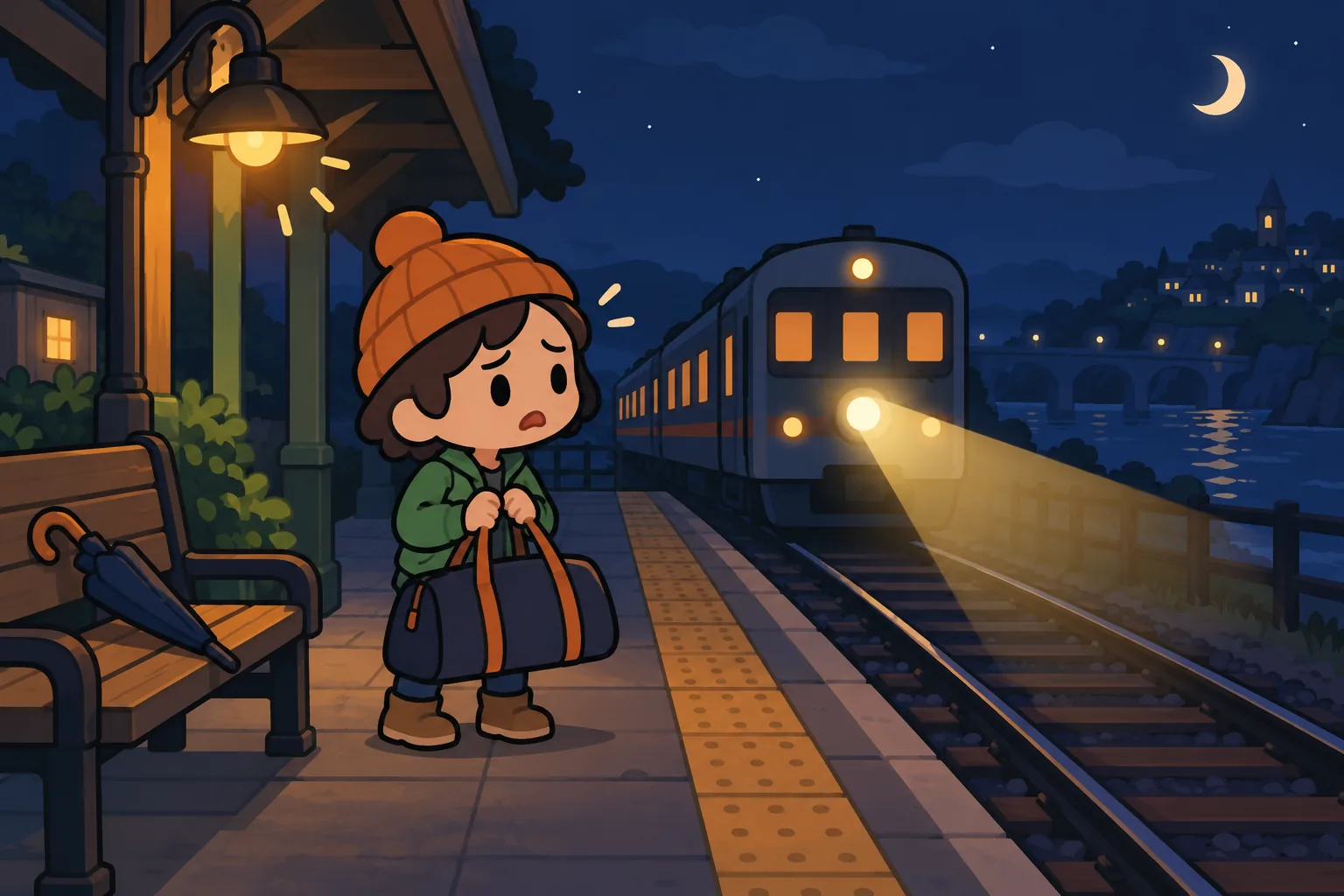
Learning how to rob a train in BitLife starts with your real phone clock. Selecting Midnight inside the game does not make a train arrive unless it is actually midnight where you play.
Quick answer: Open Activities → Crime → Train Robbery, choose a train, and submit at the exact local time matching your selected schedule.
1. How to rob a train in BitLife: open Train Robbery
Use an adult character aged 18 or older, then open Activities → Crime → Train Robbery. Guides disagree about whether the option first appears at 16 or 18, so age 18 is the safest starting point.
Pick any available train line and select the schedule you want. Train names are randomly generated, the line you pick does not matter, and no stat is known to improve your chances.
Prepare before the target minute arrives. Leave enough time to select both dropdowns, then wait to press the final robbery button; browsing menus after the clock changes can make you late.
If you would rather start a fresh outlaw with high Health and Looks, God Mode in the BitLife MOD APK lets you set them when you create the character.
2. Match these five train robbery times
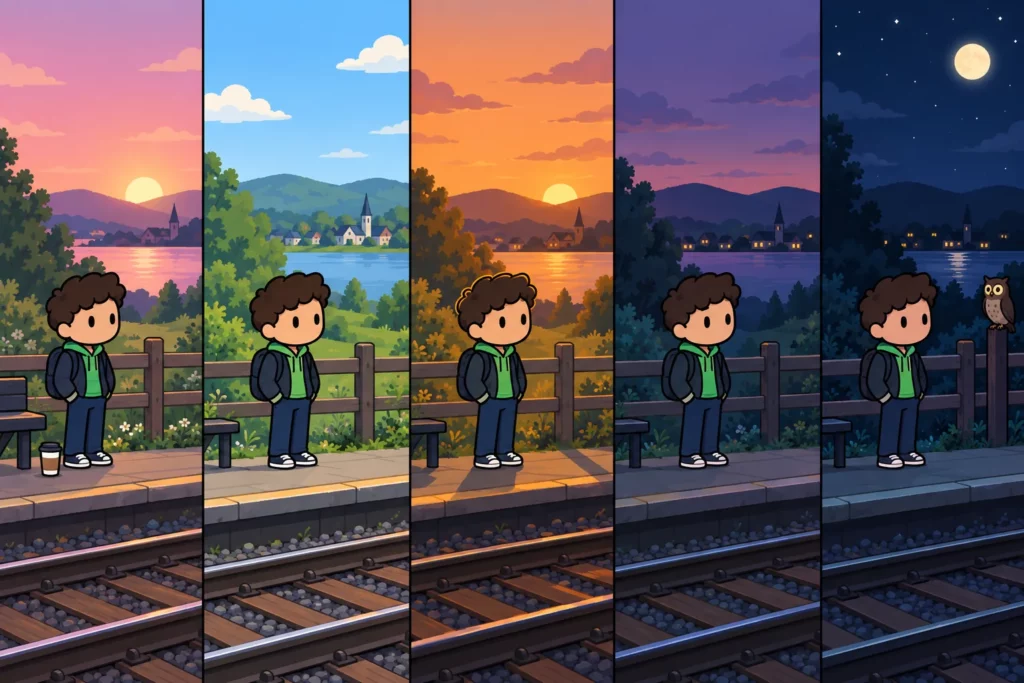
Use the time shown on your phone in your real location. Sunrise and Sunset are fixed menu labels here, rather than your city’s actual sunrise or sunset.
| Schedule choice | Local time | 24-hour clock |
|---|---|---|
| Sunrise | 6:00 AM | 06:00 |
| High Noon | 12:00 PM | 12:00 |
| 4:20 PM | 4:20 PM | 16:20 |
| Sunset | 6:00 PM | 18:00 |
| Midnight | 12:00 AM | 00:00 |
Players in India, the Philippines, Nigeria, and the US follow the same local schedule. For example, choose High Noon at 12:00 PM on your own phone; you do not need to convert it to a US time zone.
Submit during the listed minute. Selecting 4:20 PM at 4:21 PM misses the timing rule, and advancing your character by a year does not move your real clock.
3. Handle missed trains and clock warnings
If the train does not arrive, check the selected schedule against your phone clock. A missed train is a failed attempt, so wait for the next matching slot instead of repeatedly choosing random times.
Do not manually move your device clock forward to force the robbery. The game can detect time cheating and kill your character by having the train run them over.
Keep automatic date and time enabled, and avoid switching time zones to shorten the wait. Reports disagree about time-zone changes and repeat robberies, so neither is a reliable shortcut.
Record the schedule and result if an attempt fails despite matching the clock. That helps separate a timing mistake from a possible version issue without risking another life through clock experiments.
BitLife robber emoji and bank robbery choices
The BitLife robber emoji search does not give you a bank robbery answer code. Bank Robbery uses selectable choices for a bank, weapon, disguise, and getaway; there is no emoji entry field in that process.
| Bank menu choice | What to check |
|---|---|
| Bank | Select an available target. |
| Weapon | Use a challenge’s required weapon when specified. |
| Disguise | Choose the named costume or mask if your challenge requires one. |
| Getaway | Select from the transport options offered. |
Open Activities → Crime → Bank Robbery to see these choices. The options can change between attempts, and even a recommended combination can fail.
Check challenge wording before committing: a successful robbery with the wrong disguise may not complete its objective. Keep some money available for legal help, since a failed bank attempt can lead to arrest and prison.
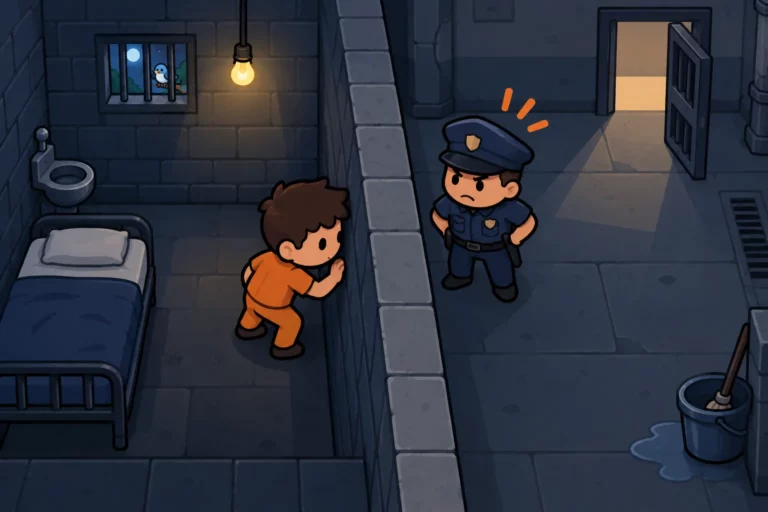
If convicted, use the escape prison guide for the layout you receive. For a separate crime career, see the Dealer Job Pack guide.
Practical tips before your attempt
Choose your goal before waiting: a train robbery, a midnight achievement, or a bank challenge needs different preparation. Browse our money and crime guides if you want another route between scheduled attempts.
- Set a reminder a few minutes before your chosen train time.
- Check AM versus PM before selecting Sunrise or Sunset.
- Read the result before attempting another crime.
- For bank challenges, confirm the disguise and weapon together.
FAQ
Why does the train never show up in BitLife?
The selected schedule usually does not match your real local time. Wait for one of the five listed minutes, prepare the menu beforehand, and submit when your phone reaches that minute. Changing your character’s age will not help because the schedule follows your device clock rather than in-game years.
Can you change your phone time to rob a train?
Do not use a manual clock change as a shortcut. BitLife can detect it and replace the robbery with a fatal train collision. Keep automatic time enabled and wait naturally for the next slot. Changing time zones is also unreliable, with conflicting reports about whether it triggers the same warning.
Does the midnight train unlock an achievement?
A successful midnight train robbery can unlock Going Anywhere. Choose Midnight and submit at 12:00 AM on your real local clock, which is 00:00 in 24-hour format. Selecting Midnight at noon will not meet the timing rule. Read the result to confirm success before checking your achievement list.