How to Summon a Ghost in BitLife: Haunted House Guide
Learning how to summon a ghost in BitLife starts with buying a haunted property. Its Spirits menu lets you attempt a meeting or remove a ghost, but failed attempts and hostile spirits can put your character at risk.
Quick answer: Open Assets, select your haunted property, choose Spirits, select a ghost, and tap Try to summon it.
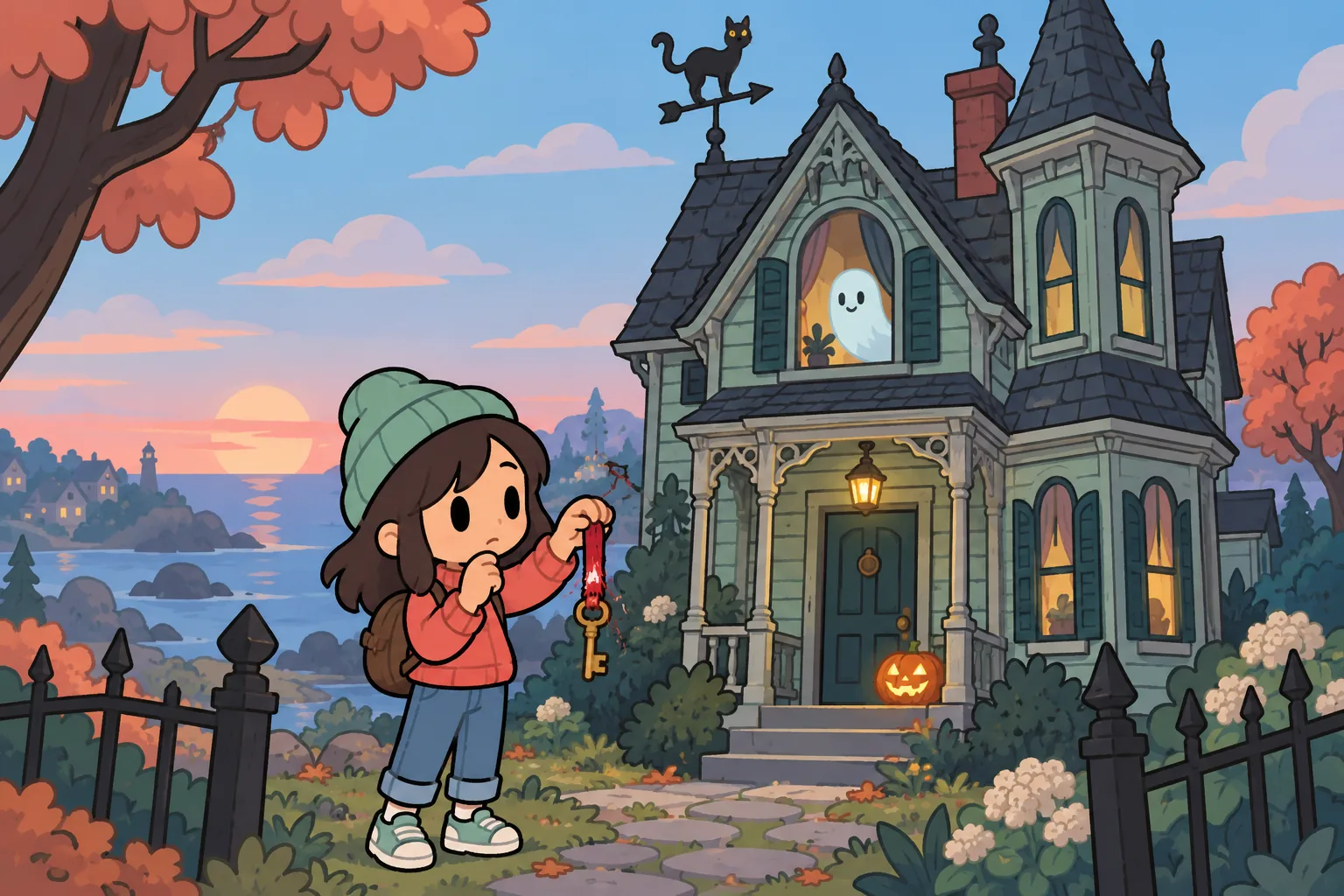
Buy a haunted house first
Open Assets, choose Go Shopping, and check the real estate brokers. Look for a property with Haunted in its name; an ordinary house does not give you the same ready-made route to a ghost encounter.
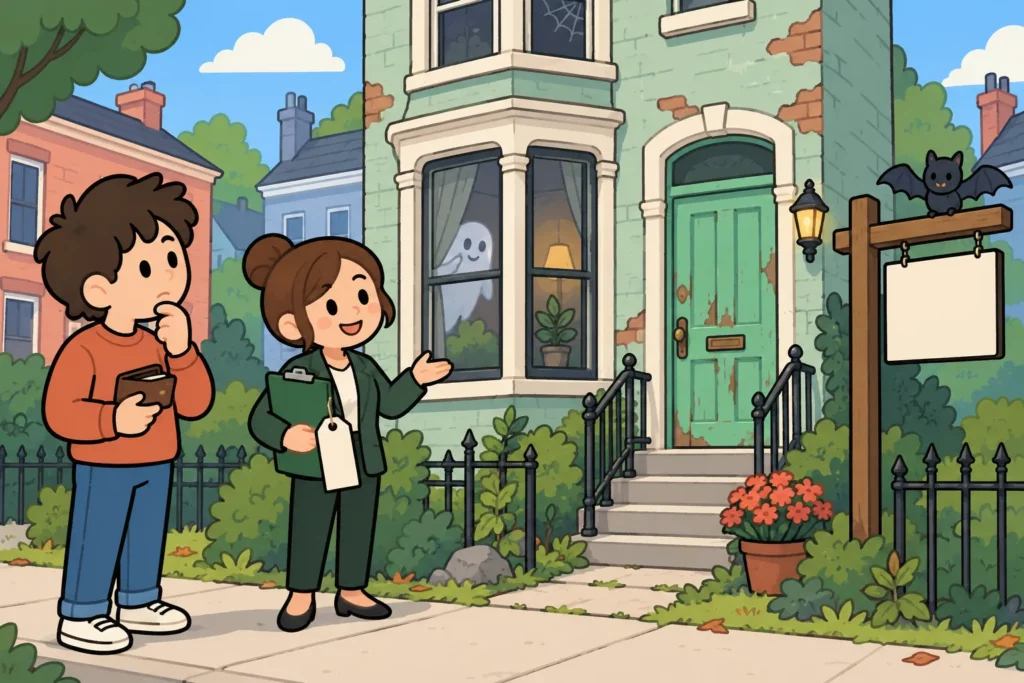
If neither broker has one, age up 1 year and check again. Buy a home you can afford rather than waiting for a mansion, and keep money aside for property costs and hired exorcisms.
| Requirement or detail | What to check |
|---|---|
| Property | A haunted home that you own |
| Available spirits | Open the home’s Spirits list |
| Purchase budget | Use the actual listing price; it changes between lives |
| Hauntedness | Higher hauntedness generally means more ghosts and paranormal events |
| Character stats | None needed; owning the haunted home is enough to try |
Hauntedness describes the property, while each ghost has its own stats. A heavily haunted home can provide more spirits for a challenge, but it also brings more paranormal activity.
How to summon a ghost in BitLife from the Spirits menu
Return to Assets and open the haunted home’s options. Scroll to Spirits, select one resident, and choose Try to summon it; you do not need the exorcist job for this action.
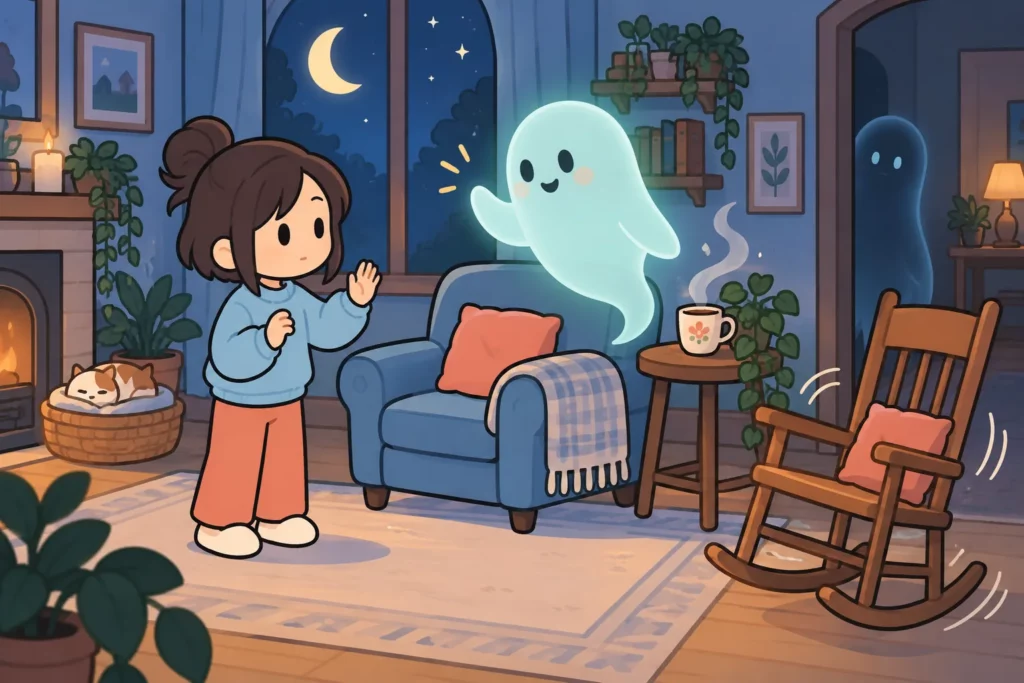
A failed attempt does not mean you bought the wrong property. Try again later or age up 1 year before returning, because summoning has a random outcome rather than a guaranteed result.
Before choosing a spirit, compare its Friendliness and Activeness bars. Prefer a friendlier ghost for your first encounter, and stop repeated attempts if encounters become violent.
| Ghost stat | Meaning | Practical choice |
|---|---|---|
| Friendliness | Friendlier spirits scare or attack you less often | Start with the higher bar |
| Activeness | More active spirits cause more haunting and paranormal activity | Watch this alongside friendliness |
| Success chance | Random from attempt to attempt | Expect failed attempts |
An encounter may offer choices such as fleeing, screaming, calling the police, or staying calm. These are responses to the encounter, and none should be treated as a guaranteed shield against an attack.
God Mode in the BitLife MOD APK edits your own character, such as Health before a risky summon, not the spirits, so you still have to pick friendly ghosts the normal way.
How to exorcise a ghost in BitLife
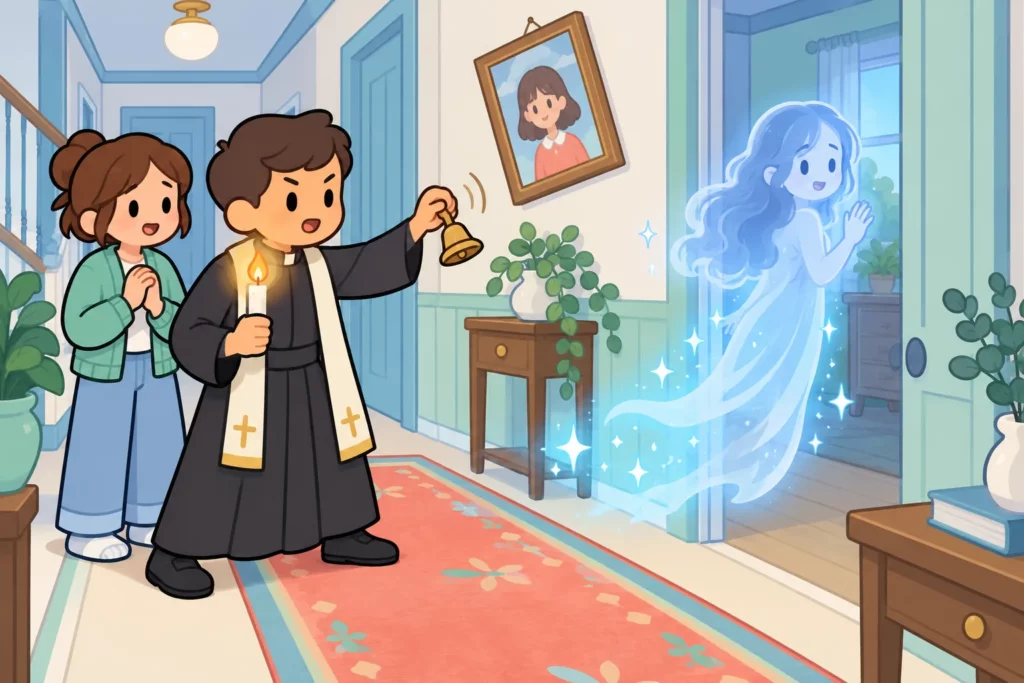
Use the same route: Assets, haunted property, Spirits, then the ghost. Choose Exorcise instead of summoning, and select the available method for removing it.
| Method | Requirement | Best use |
|---|---|---|
| Hire an exorcist | Pay the fee shown in the game | Clearing a home without doing the job yourself |
| Do it yourself | Your character works as an exorcist | Tasks that require personal exorcisms |
Both methods can fail, so check the result before counting a spirit as removed. After every resident spirit is successfully removed, the haunted property becomes a regular home.
The Cursed Killer challenge requires 5 or more ghost exorcisms alongside its other objectives. Choose personal exorcisms for that route, check the challenge counter after each success, and buy another haunted property if you run out of spirits.
How to scare someone to death in BitLife
Scaring someone to death uses the crime menu, not your haunted property’s Spirits list. Open Activities, choose Crime, then Murder, select a target, and look for Scare to death among the methods; if it is missing, close and reopen the Murder menu to reshuffle the list.
The method can fail, and a failed or successful crime can bring police consequences. Summoning a ghost does not complete this action, and you cannot order a resident spirit to carry it out through the summoning menu.
Keep seasonal objectives separate too: use the Halloween scavenger hunt guide to check the exact task wording. More everyday mechanics are covered in our BitLife life guides.
Practical tips for ghost tasks
- Summon before exorcising if you need both actions from the same spirit.
- Check task counters after successful encounters or removals.
- Keep cash for another property when a challenge needs several ghosts.
- Stop bothering a hostile spirit when your character is injured.
FAQ
How do I exorcise ghosts in BitLife?
Open a haunted property under Assets, select Spirits, and choose a ghost. Tap Exorcise, then hire an exorcist or do it yourself if your character has the exorcist job. An attempt can fail, so read the result and confirm the ghost has disappeared before moving to the next one.
How do I summon a ghost alone?
Your character can attempt a summon directly from an owned haunted home’s Spirits menu. Select a ghost and tap Try to summon it; there is no separate group ritual to arrange. You do not need to hire an exorcist for summoning, although the attempt can fail and an unfriendly spirit can attack.
What are some examples of haunted houses in BitLife?
Examples include haunted trailers, row houses, Victorian homes, villas, farms, ranches, and mansions. The important detail is the Haunted label rather than the building’s size or style. Listings and prices change between lives, so check both real estate brokers and choose an affordable property instead of waiting for one specific type.
How do you befriend a ghost?
Start with a spirit that already has high Friendliness and use its summoning option. Friendliness describes how the spirit behaves; it does not guarantee a normal friendship like the one you have with a classmate. No action reliably turns a hostile ghost friendly, so do not count on repeated summons to win one over.